In short
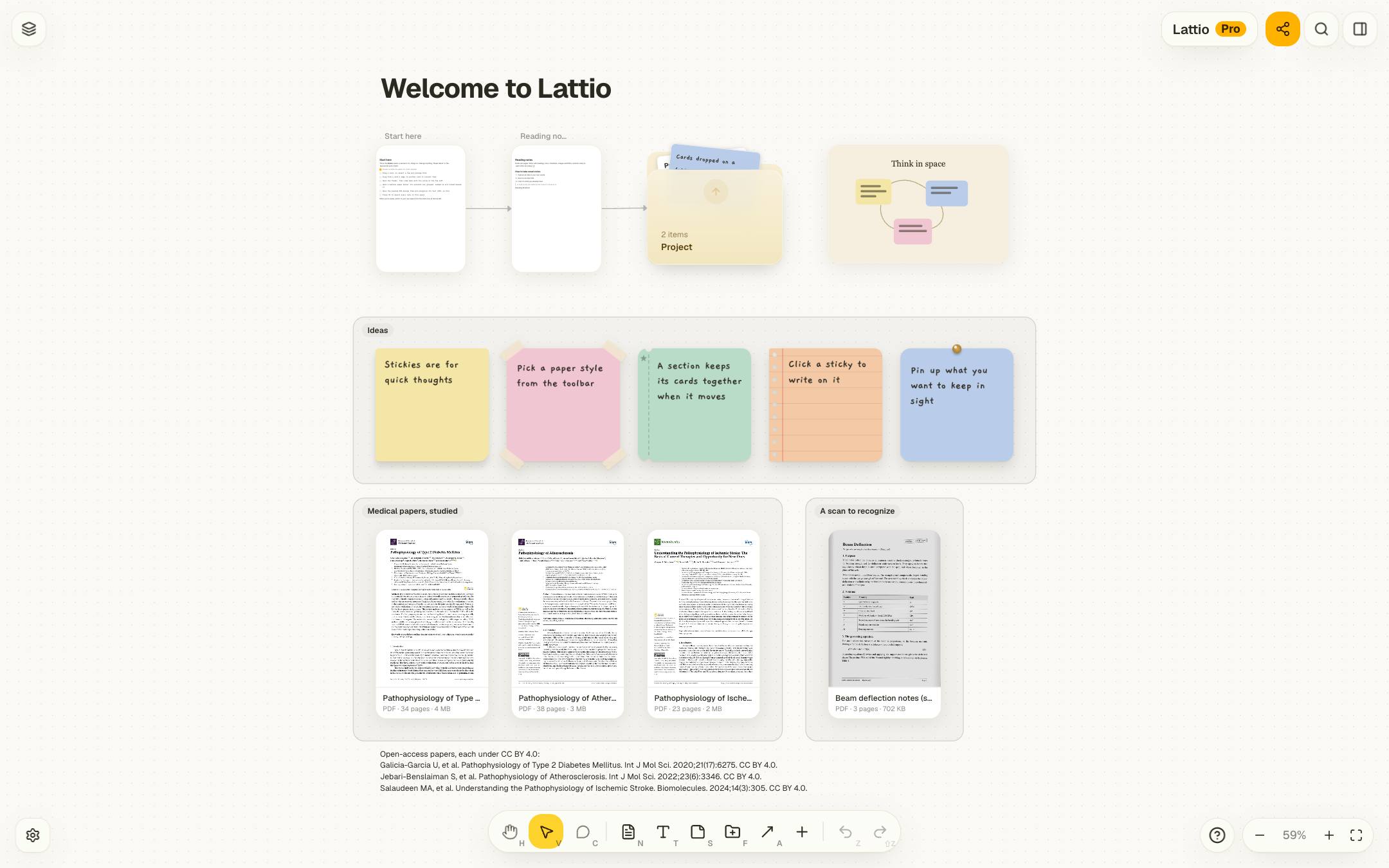
- A canvas lets position carry meaning: what sits together belongs together, and you remember where you put things.
- Use full notes for writing, sticky notes for quick thoughts, arrows for relations and folders for sub-projects.
- Sections, colors and folders keep a large canvas readable; search and wikilinks get you anywhere in it.
- Lattio saves to your device as you work, so panning and editing don’t wait for a network.
Why take notes on a canvas
Documents are good for finished thinking: one idea after another, in order. Early thinking isn’t like that. You collect pieces before you know how they fit, and you move them around until they do.
On a canvas, position does that work. Cards that belong together sit together; a card on the edge is a question you haven’t placed yet. And you tend to remember where something was (top right, next to the diagram) long after you have forgotten the folder it was filed in.
Plan a trip on an infinite canvas
The Hokkaido demo starts with a route map in the middle of the travel board. Photos sit in groups around the map, and arrows connect each stop to its photos. A sticky note holds a short list of dishes to try.
To make your own visual trip planner, add a map image, make a section for each stop, and drop photos and booking links next to it. Keep a packing checklist in a note and link it to the itinerary so you can find it from either place.
What goes on the canvas
- Notes are full pages: headings, lists, checklists, tables, images, PDFs and
[[wikilinks]]to other notes. On the canvas a note shows the top of its page; click it to write full screen. - Sticky notes for a thought you want to see at a glance, in a few paper styles and colors.
- Text, images, links and files: a heading over an area, a diagram, a web page with its preview, a PDF to study.
- Arrows between cards, with an optional label (“causes”, “contradicts”); an arrow drawn onto a card stays attached when the card moves.
- Folders, each a canvas of its own, for anything big enough to deserve a room.
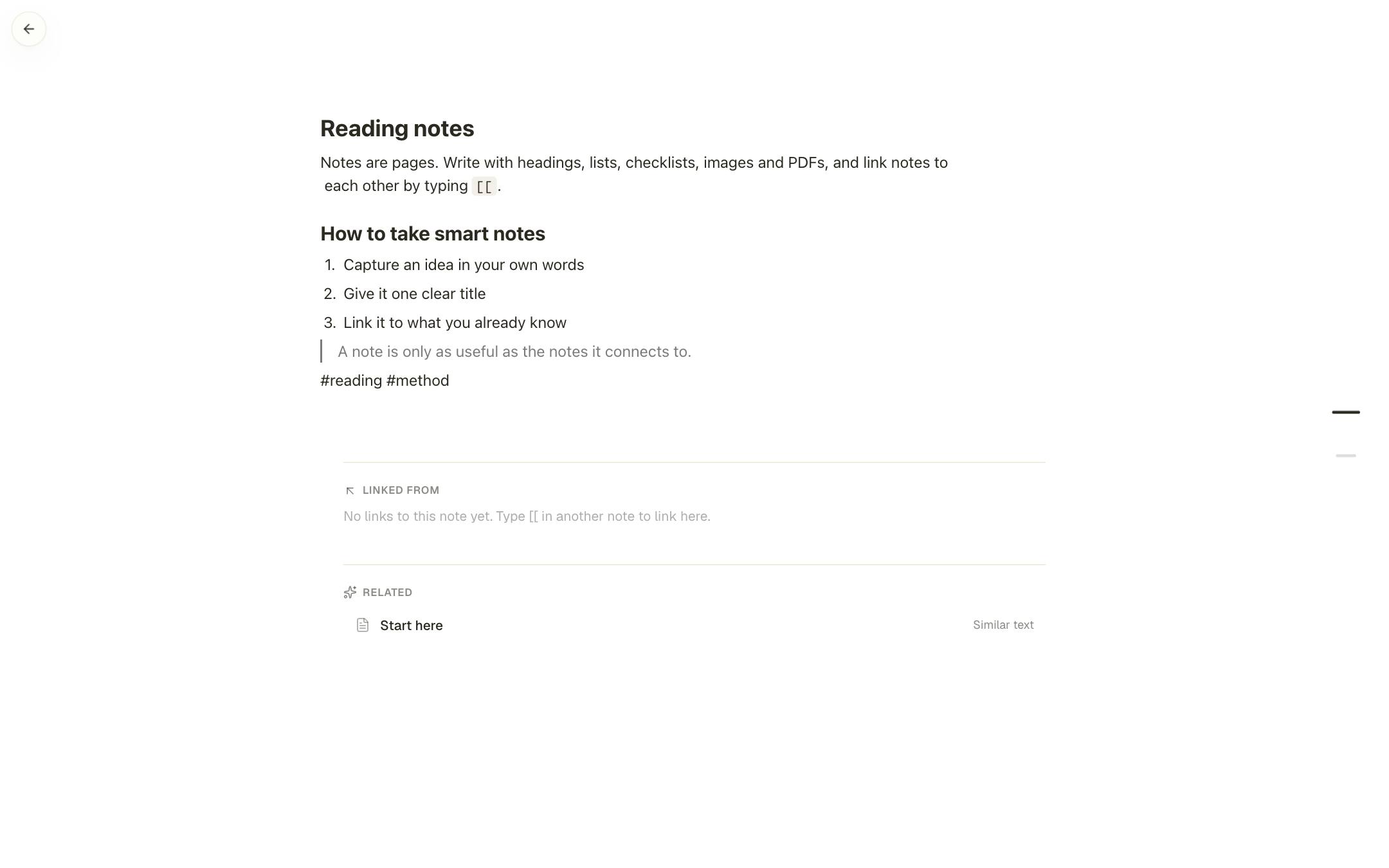
Under each note, Lattio lists the notes that link to it and related notes that share its tags or wording, so a connection you didn’t draw can still turn up.
Keeping a big canvas readable
The usual worry about an infinite canvas is that it sprawls. A few habits prevent that:
A section is a titled area drawn behind cards (“Ideas” in the picture at the top). Move the section and its cards move with it; arrange a selection and cards stay inside their sections.
For example yellow for claims, blue for evidence, pink for open questions. Keep to it, and the canvas reads at a glance even zoomed out.
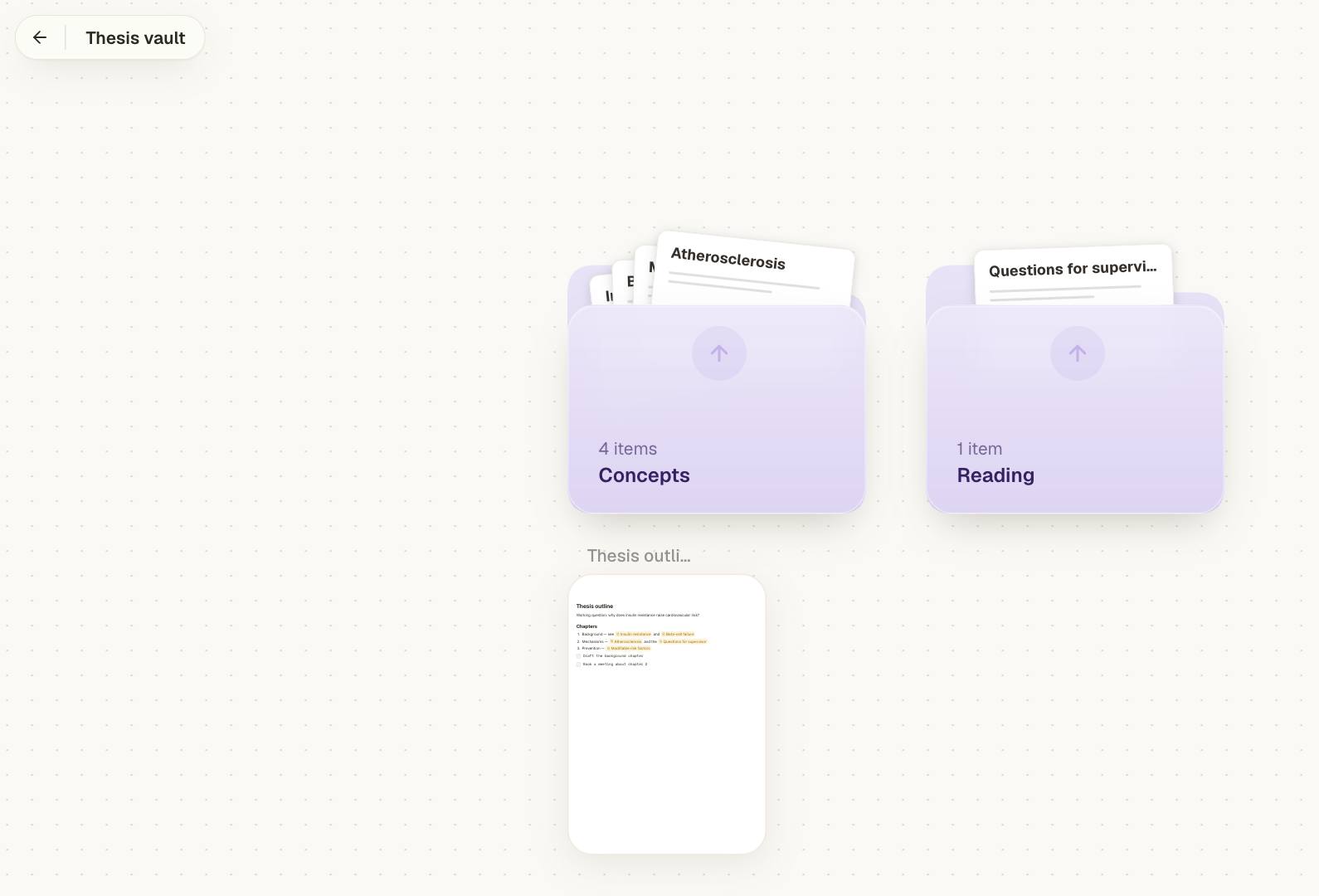
Drop cards on a folder to move them in. Clicking a folder shows what is inside it without leaving the canvas; its arrow opens it.
⌘K searches every note, card and #tag in the space and takes you to the card, wherever it is. Lay things out for thinking; search is for finding.
Why local-first matters for a canvas
Lattio saves every change to your device: IndexedDB in the browser, a SQLite file in the Mac and Windows app. There’s no round trip to a server before a card moves, and the canvas works the same with Wi-Fi off.
Sign in when you want more: sync between devices, share links and live collaboration with cursors and comments. Your local copy stays the working copy.
For a research workflow on the canvas, see PDF research notes.
Frequently asked questions
Is there a limit to how large a canvas can be?
No. A canvas has no edges, and cards out of view aren’t drawn, so it stays responsive as it grows. Folders give you as many more canvases as you need.
Can I work on a canvas with other people?
Yes. Signed in, share a canvas by link for viewing or editing, see each other’s cursors live, and leave comments pinned to the canvas or to a card.
Can I export a canvas?
Yes, on every plan: as a high-resolution PNG, or as Markdown files in a zip that also holds a JSON Canvas file for each canvas.
Does it work offline?
Yes. Everything is saved on your device first, so the browser app and the desktop app both work without a connection.
Start thinking spatially with Lattio
Notes, PDFs, and ideas on an infinite canvas. Free, offline-first, and stored right on your computer.